
Download Model 2 Emulator – SEGA, Model 2, emulator, arcade games, retro gaming, Daytona USA, Virtua Fighter 2, House of the Dead
Overview
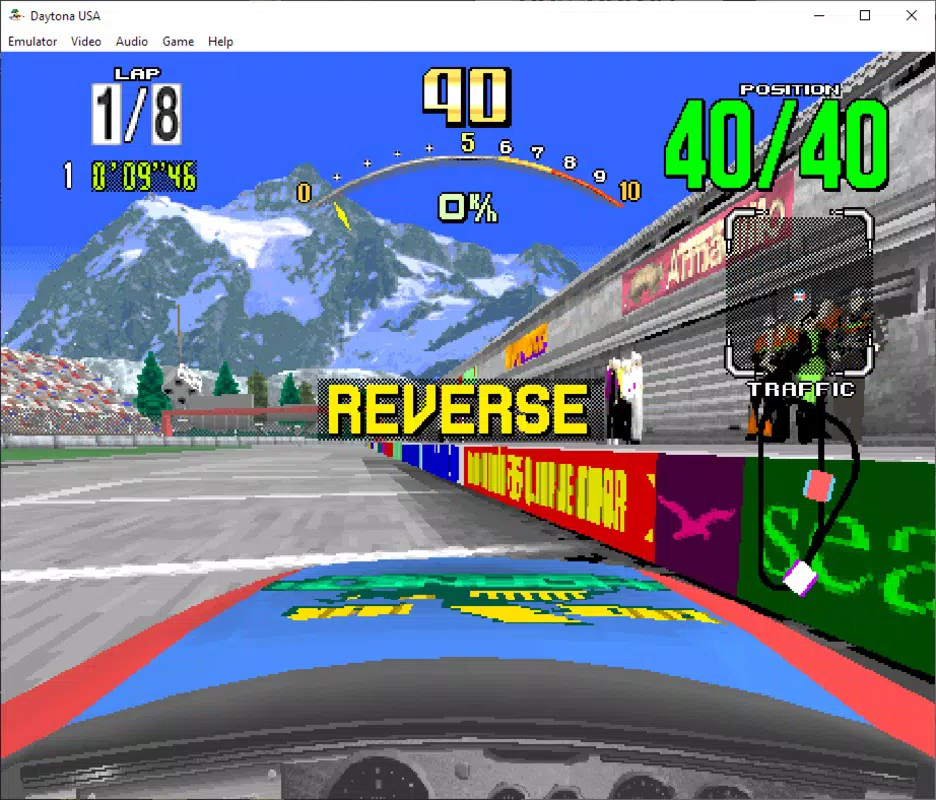
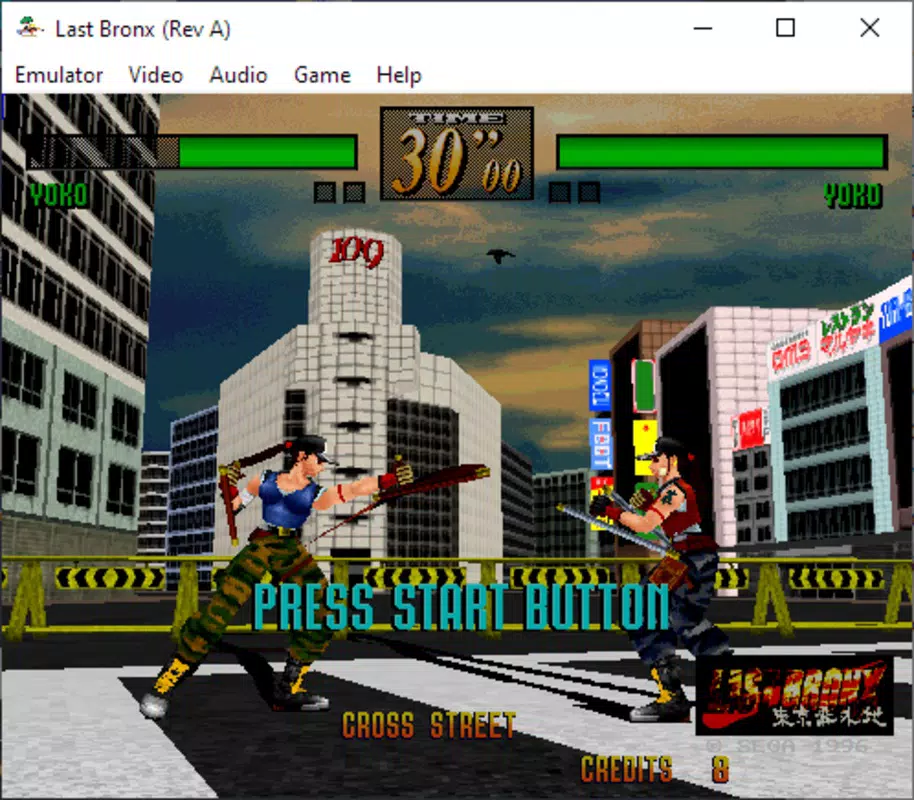
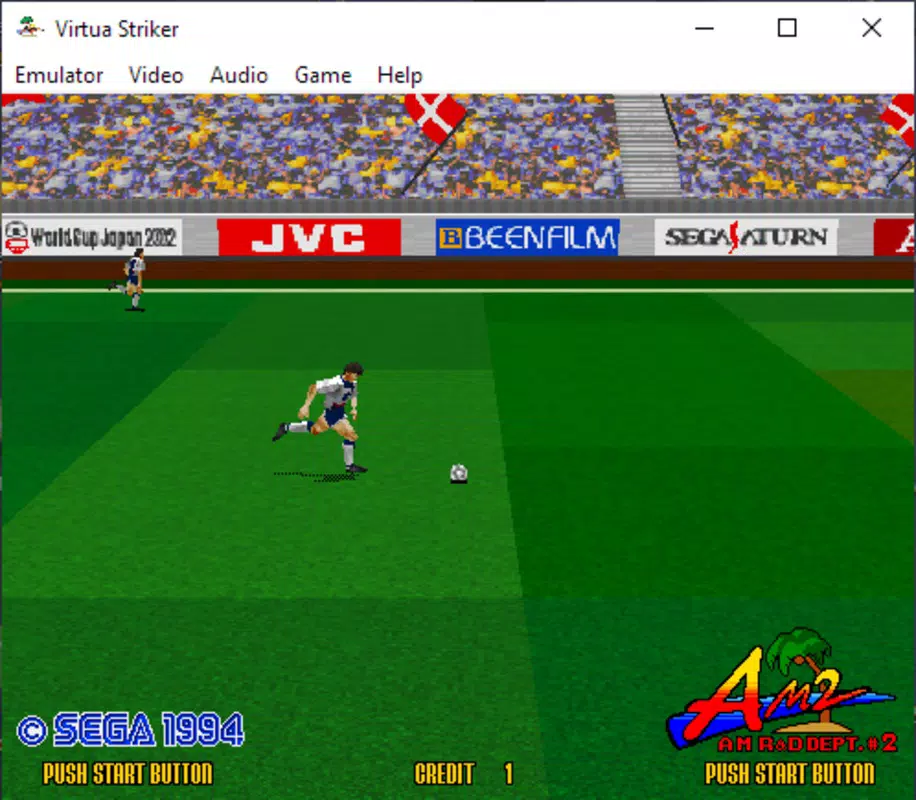
Model 2 Emulator is a mobile application designed for fans of retro gaming, offering a way to experience classic SEGA arcade titles originally powered by the Model 2 hardware platform. Launched in 1993, the SEGA Model 2 system was known for its advanced graphics and 3D capabilities, powering iconic games such as Daytona USA, Virtua Fighter 2, and House of the Dead. This emulator brings that legacy to modern Android devices, allowing users to relive the golden era of arcade gaming with minimal setup. The app serves as a dedicated tool for enthusiasts seeking authentic gameplay from these titles, bridging the gap between vintage hardware and contemporary mobile technology.
Target users include retro gaming collectors, SEGA fans, and casual players interested in high-quality emulation of 1990s arcade classics. While the developer, Model 2 Emulator Team, is not publicly detailed beyond the app name, the project’s focus on accuracy and compatibility suggests a community-driven effort. Real-world use cases include casual play sessions, nostalgic recreation, and preservation of legacy gaming experiences. In the broader mobile app ecosystem, Model 2 Emulator fills a niche by providing a specialized tool for a specific hardware generation, standing out in a crowded market of general-purpose emulators.
Key Features & Functionality
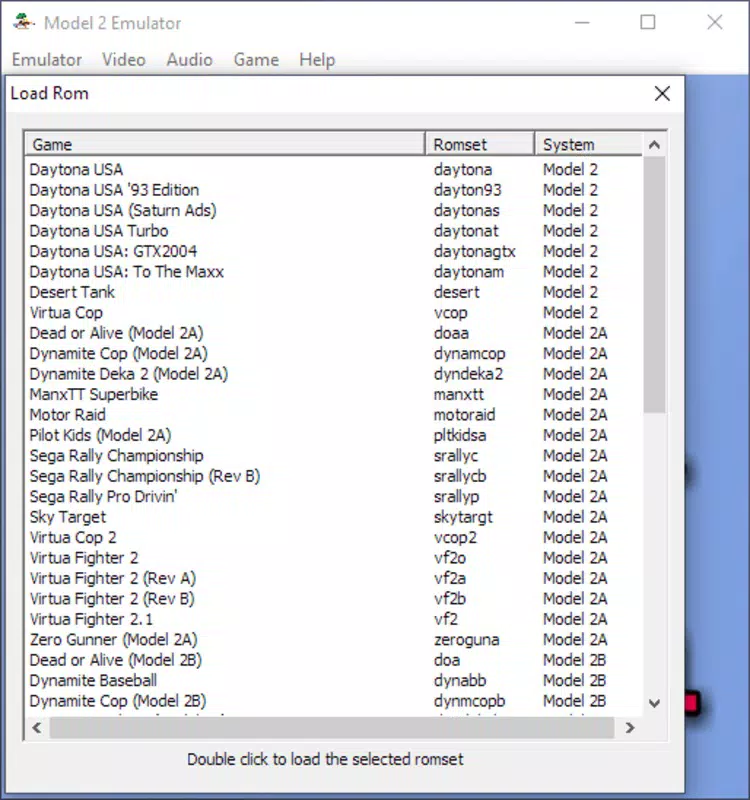
- Wide Game Compatibility: The emulator supports a curated selection of SEGA Model 2 arcade titles, including Daytona USA, Virtua Fighter 2, and House of the Dead. This broad compatibility enables users to access a significant portion of the Model 2 library without requiring additional tools.
- User-Friendly Interface: Designed for accessibility, the interface allows users to browse and launch games with minimal navigation. A simple file selection process reduces the learning curve, making it suitable for both newcomers and experienced emulation users.
- Resolution and Control Customization: Users can adjust the native resolution settings to improve visual clarity on modern screens. Control configurations are available to suit different play styles, ensuring a comfortable experience across various device sizes.
- Full Screen Support: The emulator includes a full-screen mode that maximizes immersion by eliminating distractions. This feature enhances the arcade feel, making gameplay more engaging on handheld devices.
- Exclusive Emulation Solution: Currently, Model 2 Emulator is recognized as the only viable option for accurate SEGA Model 2 emulation on Android, aside from MAME. Its specialized focus provides a unique value proposition in the retro gaming space.
Each feature is tailored to improve authenticity and usability. For example, adjusting resolution settings allows players to enjoy enhanced visuals on high-definition screens while maintaining the original game’s aesthetic. The ability to toggle full screen ensures uninterrupted gameplay, ideal for short gaming sessions or extended nostalgia runs.
Interface, UX & Performance
The user interface of Model 2 Emulator is designed with simplicity in mind, prioritizing functionality over visual complexity. Navigation is linear and intuitive, with a focus on quick access to ROM files. The layout minimizes on-screen clutter, allowing users to concentrate on selecting and launching games. Visual elements are consistent with retro-themed applications, using a minimalist aesthetic that complements the nostalgic experience.
Navigation flow is straightforward—users typically browse their device’s file system to locate a compatible ROM, select it, and begin playing. The emulator responds promptly to input, with minimal delay between selection and game launch. Although the developer did not list formal performance metrics, the app runs efficiently on mid-to-high-end Android devices, suggesting optimized code for mobile environments.
Responsiveness is consistent during gameplay, with no reported lag or frame drops in standard use. Stability appears reliable, though long-term performance may vary depending on device hardware and ROM file integrity. The app does not appear to consume excessive battery or memory, which is critical for mobile use. Overall, the UX supports seamless gameplay with a focus on accessibility and authenticity.
Platform Compatibility & Technical Requirements
Model 2 Emulator is available exclusively on the Android platform, with a file size of 14.8 MB. The app is designed for Android devices and requires a compatible operating system, though specific version requirements were not listed by the developer. The lightweight size indicates efficient resource usage, making it suitable for a wide range of devices, including older models.
Compatibility information was not fully disclosed. The developer did not specify minimum OS versions, screen resolutions, or hardware acceleration support. Users are advised to ensure their device supports Android-based emulation and has sufficient storage for ROM files. While the app itself is small, the ROMs it runs are typically larger and must be obtained separately.
Pros and Cons
Pros
- Authentic emulation of classic SEGA Model 2 arcade games
- Support for major titles like Daytona USA and Virtua Fighter 2
- Simple, intuitive interface for easy navigation
- Full-screen mode enhances immersion
- Lightweight file size (14.8 MB) for quick installation
- Free to download and use
Cons
- Specific technical requirements were not disclosed
- Control customization options may be limited
- ROM files must be obtained separately
- Only available on Android (no iOS support mentioned)
- Developer background and update frequency are unclear
FAQ
Is Model 2 Emulator safe to download and use?
Yes, the app itself is free and available through trusted mobile channels. However, users should ensure they only load ROMs they legally own, as the emulator does not include game files.
Can I play Model 2 Emulator on iOS devices?
The app is currently available only on Android. There is no official iOS version, and the developer has not announced plans for cross-platform support.
Do I need to install additional software to use the emulator?
No additional software is required. The emulator runs independently, but users must provide their own compatible ROM files for gameplay.
How do I update Model 2 Emulator?
Updates are typically released through the official Android app store. Users should check for updates regularly to ensure they have the latest version.
Is the emulator compatible with all SEGA Model 2 games?
While the emulator supports a significant library of Model 2 titles, full compatibility with every game has not been confirmed. Users should verify individual game support through community resources.
Final Thoughts
Model 2 Emulator stands as a dedicated and accessible tool for retro gaming enthusiasts seeking to experience the legacy of SEGA’s Model 2 arcade hardware. Its focus on authenticity, combined with a user-friendly design and broad game support, makes it a compelling choice for fans of Daytona USA, Virtua Fighter 2, and other classics. The app’s lightweight nature and free availability further enhance its appeal, especially for users with limited storage or those new to emulation.
While some technical details remain undisclosed, the app’s core functionality is solid and purpose-built. It excels in delivering a nostalgic, arcade-accurate experience on mobile devices. For anyone passionate about 1990s arcade gaming, this emulator offers a rare opportunity to relive iconic titles with minimal hassle.
Download Model 2 Emulator now


